Here is a guide to turning your live streams into a massive content engine.
Turn One Hour Into Viral Gold: Repurposing Live Streams for Explosive Growth
I used to dread the "End Stream" button.
It wasn't because I didn't enjoy the broadcast. I loved the energy of going live. I loved the real-time interaction with the audience.
But the moment the screen went black, I felt a wave of exhaustion.
I had just poured my heart and soul into an hour of content. And now? It felt like that effort was disappearing into the digital void.
Sure, the replay was there. But who really watches a 60-minute replay these days?
That’s when we made a massive shift here at My Core Pick.
We stopped looking at live streams as a "one-and-done" event. instead, we started viewing them as raw material.
We realized that one single hour of video could feed our entire content calendar for a week, sometimes even a month.
If you are feeling the burnout of constant content creation, this strategy is your lifeline.
Here is how I turn one hour of live video into viral gold.
The "Content Waterfall" Mindset
Before we touch any video editing software, we need to fix our perspective.
Most creators treat their content channels as separate islands. They write a tweet. Then, they film a TikTok. Later, they sit down to write a blog post.
This is the fastest way to burn out.
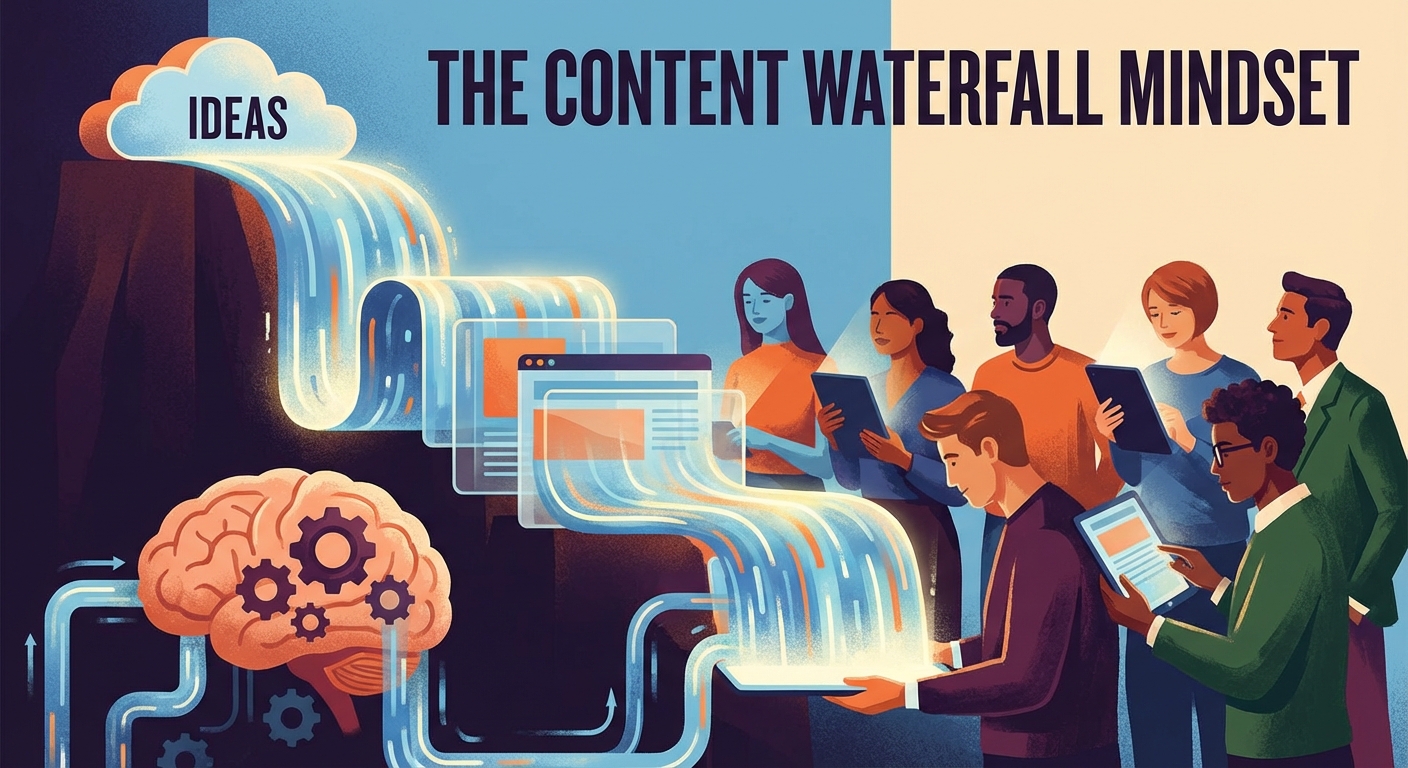
You need to adopt the "Content Waterfall" methodology.
Imagine your live stream is the source of the river at the top of a mountain. It is big, messy, and full of volume.
As that water flows down, it splits into smaller streams.
Your YouTube video is a stream. Your podcast is a stream. Your Instagram Reels are the rapids. Your tweets are the droplets.
They all come from the same source.
When you switch to this mindset, the pressure falls off. You don't have to come up with 50 ideas a week.
You only need to come up with one great topic for your live stream. Everything else flows from there.
This isn't just about saving time. It's about consistency.
Algorithms love consistency. And by chopping up one big asset, you guarantee you show up everywhere, every day.
Pre-Stream Prep: structuring for the Cut
Here is a secret that professional editors know:
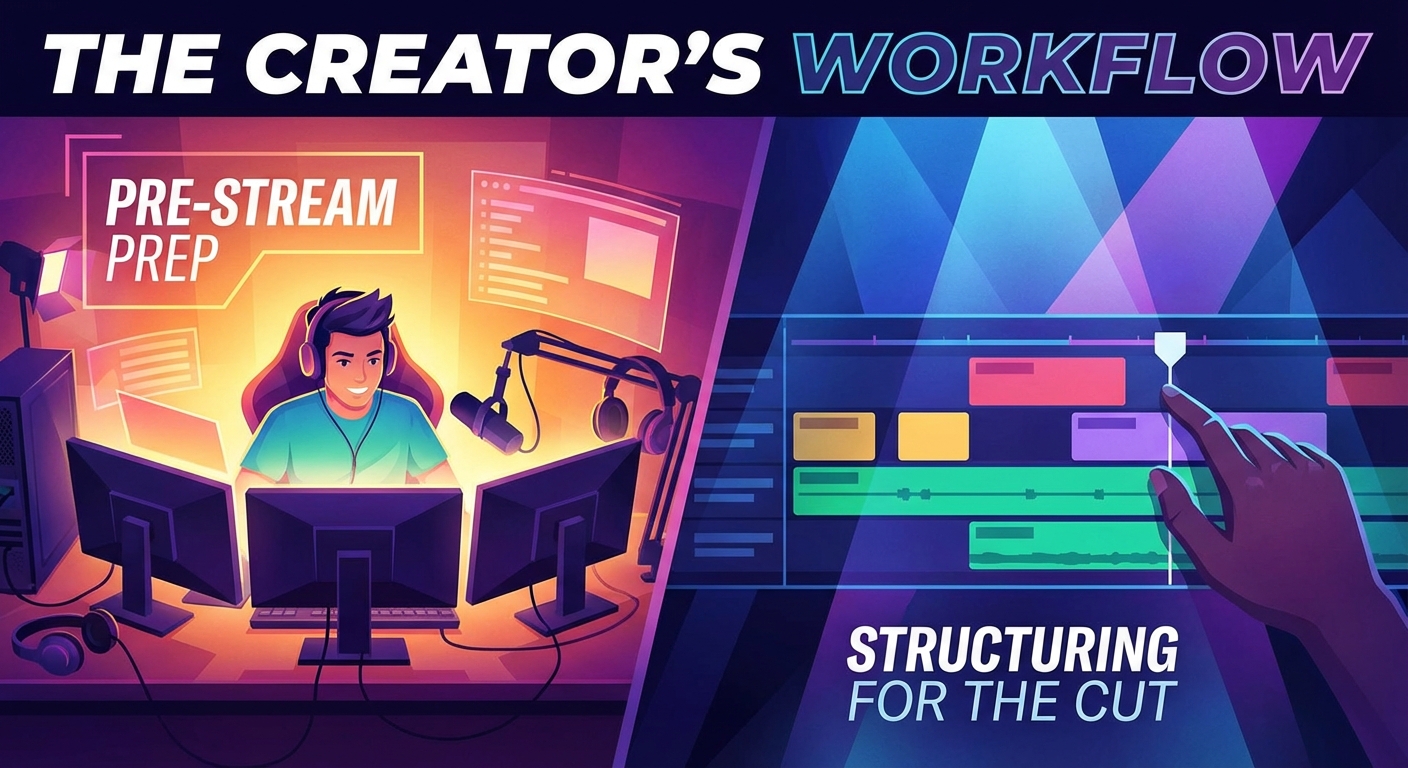
The best repurposing happens before you even hit the "Go Live" button.
If you ramble for an hour with no structure, you are going to have a nightmare in the editing room later.
You need to structure your stream with the edit in mind.
The Segment Strategy
I like to think of my live streams like a late-night talk show.
They have distinct segments.
I start with a hook. Then, I move to the main topic. Then, I might do a Q&A session.
By mentally (and physically) separating these topics, I create natural "cut points" for later.
For example, if I am talking about "5 SEO Tips," I will clearly announce each tip.
"Tip Number One is keyword research." Pause. Then I deliver the value.
That clear pause and introduction make it incredibly easy to slice that specific tip into a 60-second TikTok later.
The "Clean slate" Pause
We have all been there. You fluff a line. You sneeze. The dog barks.
When you are live, you just keep rolling. But for the replay, you want clean clips.
If I mess up a "soundbite" moment, I will actually stop. I’ll take a breath. And I will say the sentence again, cleanly.
My live audience doesn't mind. In fact, I usually tell them, "Let me say that again for the clip."
They love seeing the behind-the-scenes process. And my editor thanks me later.
Mining for Vertical Video Gold
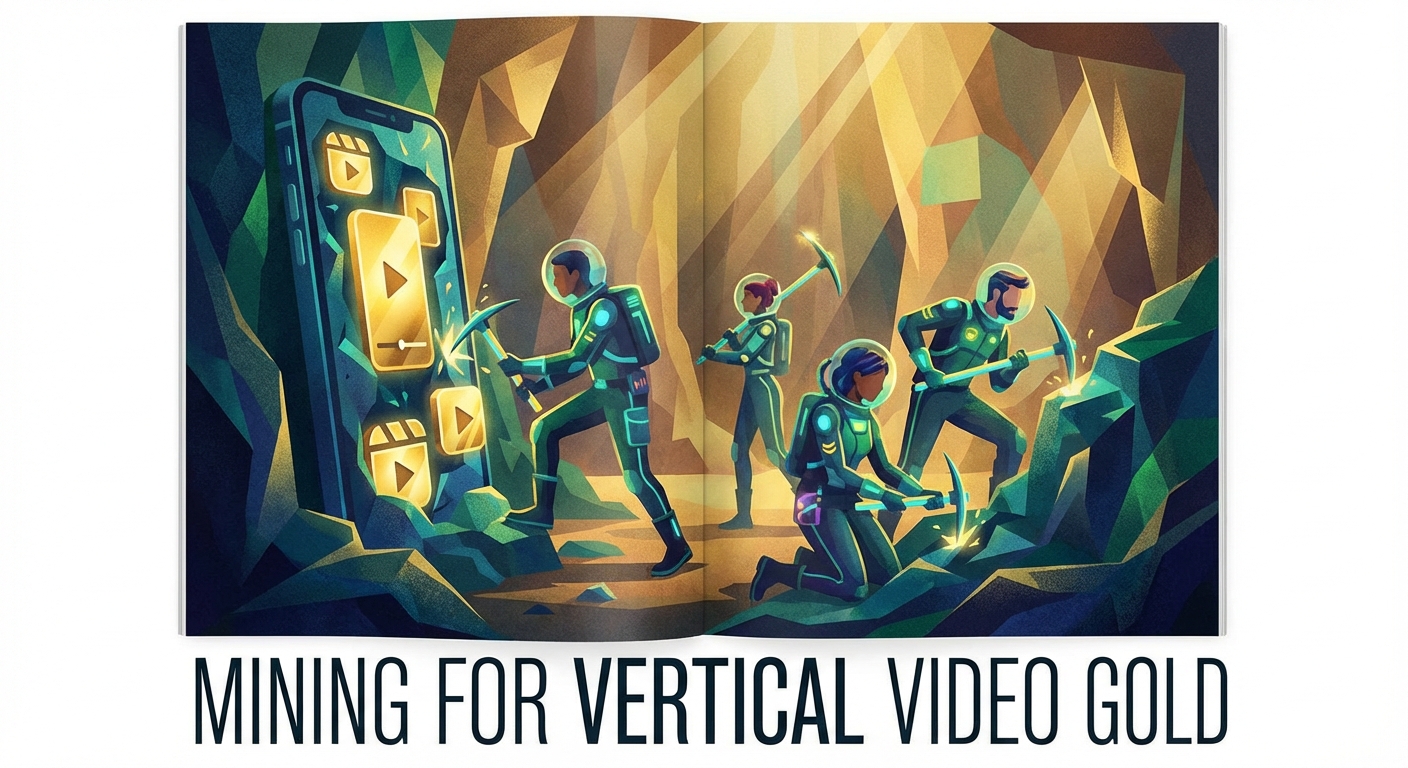
Short-form video is the king of organic reach right now.
TikTok, YouTube Shorts, and Instagram Reels are the best way to grow your audience. But filming them from scratch takes forever.
This is where your live stream really shines.
Identifying the Viral Moments
I look for three specific things when I scan a live stream recording:
- Hot Takes: Did I say something controversial or strong?
- Specific Advice: Did I give a step-by-step tutorial on a small sub-topic?
- High Emotion: Did I get laughed at? Did I get passionate?
These are your clips.
We aim to extract at least 3 to 5 vertical videos from every single hour-long stream.
The Editing Workflow
You don't need to be a Premiere Pro wizard to do this anymore.
We use AI-driven tools to help identify these moments. Tools like Opus Clip or Munch can scan your long video and suggest viral clips for you.
They even add the captions automatically.
However, I always recommend a manual review.
Make sure the hook hits hard in the first 3 seconds.
If your live stream clip starts with "So, um, basically..." cut that out. Start right in the action.
Add a headline at the top of the video so people scrolling with sound off know what the topic is.
Suddenly, that one hour of talking has become five days of TikTok content.
The Written Word: Blogs and Newsletters
This is the step most video creators skip.
They forget that Google cannot watch videos (not really, anyway). Google reads text.
If you want SEO traffic, you need to turn your video into the written word.
Transcription is Your Best Friend
Step one is simple: Transcribe the video.
We use tools like Descript or Otter.ai. Within minutes, I have a 6,000-word text document of everything I said.
Now, don't just copy-paste this onto your website. Transcripts are messy. They have grammar errors. They ramble.
The "Polishing" Process
I take that raw transcript and I act like a sculptor.
I chip away the fluff.
I look for the core themes. Usually, the main topic of the stream becomes the title of the blog post.
I use the transcript as a rough draft. It defeats "Blank Page Syndrome" because the content is already there.
I just need to organize it with headers (like I’m doing right now), add some bullet points, and clean up the language.
Embed the YouTube replay at the top of the post.
Now, you have a high-quality blog post that drives traffic to your site and encourages people to watch the video.
The Newsletter Blast
Don't forget your email list.
I take the best segment of the stream—the most valuable "Aha!" moment—and I turn that into a short, punchy email.
I tease the topic. I give some value. And then I link to the full replay or the new blog post.
This keeps my ecosystem tight. My video feeds my blog, which feeds my newsletter.
The Audio Experience: Don't Neglect the Ears
Not everyone has time to watch a screen.
Some of my best audience members are busy parents, commuters, or gym-goers. They want to listen.
This is why we strip the audio from every live stream.
The "Live-to-Tape" Podcast
If your audio quality is decent (and it should be if you are streaming), you have a podcast episode ready to go.
We create a standard intro and outro for the podcast.
"Welcome back to the My Core Pick show. Today, we are talking about [Topic]. Let's dive in."
We tack that onto the front of the live stream audio.
We might edit out the parts where I’m interacting with visual elements on screen ("Can you guys see this chart?"), or we narrate over it to explain what is happening.
Upload this to Spotify and Apple Podcasts.
Now you have tapped into a completely different audience demographic without turning on a microphone for a second session.
Distribution: The Drip Feed Strategy
You have now turned one video into:
* 1 Long-form YouTube replay.
* 5 Vertical short videos.
* 1 SEO-optimized Blog post.
* 1 Newsletter.
* 1 Podcast episode.
* 10+ Tweets/LinkedIn posts (pulled from the best quotes).
Do not post them all on Monday morning.
The Schedule
You need to drip feed this content to maximize its lifespan.
Here is a sample schedule we use at My Core Pick:
Monday: Go Live. Post the replay immediately.
Tuesday: Publish the Podcast version. Tweet a quote from the stream.
Wednesday: Publish the Blog post. Send the Newsletter. Post Vertical Video #1.
Thursday: Post Vertical Video #2. Create a LinkedIn poll related to the topic.
Friday: Post Vertical Video #3. Share a "Flashback" clip on Instagram Stories.
By spacing it out, you appear to be everywhere, all the time.
You stay top-of-mind for your audience throughout the entire week.
Conclusion
The difference between a struggling creator and a growing media empire is rarely talent.
Usually, it is leverage.
Struggling creators work hard. They create new things constantly. They run on a hamster wheel of production.
Smart creators work efficiently. They create one high-value asset and squeeze every drop of value out of it.
If you commit to this process, you will find that your growth doesn't just add up linearly. It compounds.
You will have more time to engage with your community. You will have more mental space to plan better topics.
And most importantly, you will stop dreading the "End Stream" button.
Instead, you will hit that button with a smile.
Because you know the real work—and the real growth—is just beginning.