The SEO landscape is shifting right under our feet.
For years, we chased the "blue link."
We wanted that number one spot.
We optimized our meta descriptions, built backlinks, and prayed to the algorithm gods.
But have you noticed what happens when you search for something lately?
You barely have to scroll to find your answer.
In fact, you often don’t have to click a single link.
Welcome to the era of Zero-Click searches.
Google is doing everything it can to keep users on the results page.
The biggest driver of this?
The "People Also Ask" (PAA) box.
At My Core Pick, we’ve been obsessively tracking this feature.
It appears in nearly half of all search queries now.
If you aren't optimizing for it, you are invisible to a massive chunk of your audience.
Today, I’m going to show you exactly how to get your content inside that box.
Understanding the "People Also Ask" Ecosystem
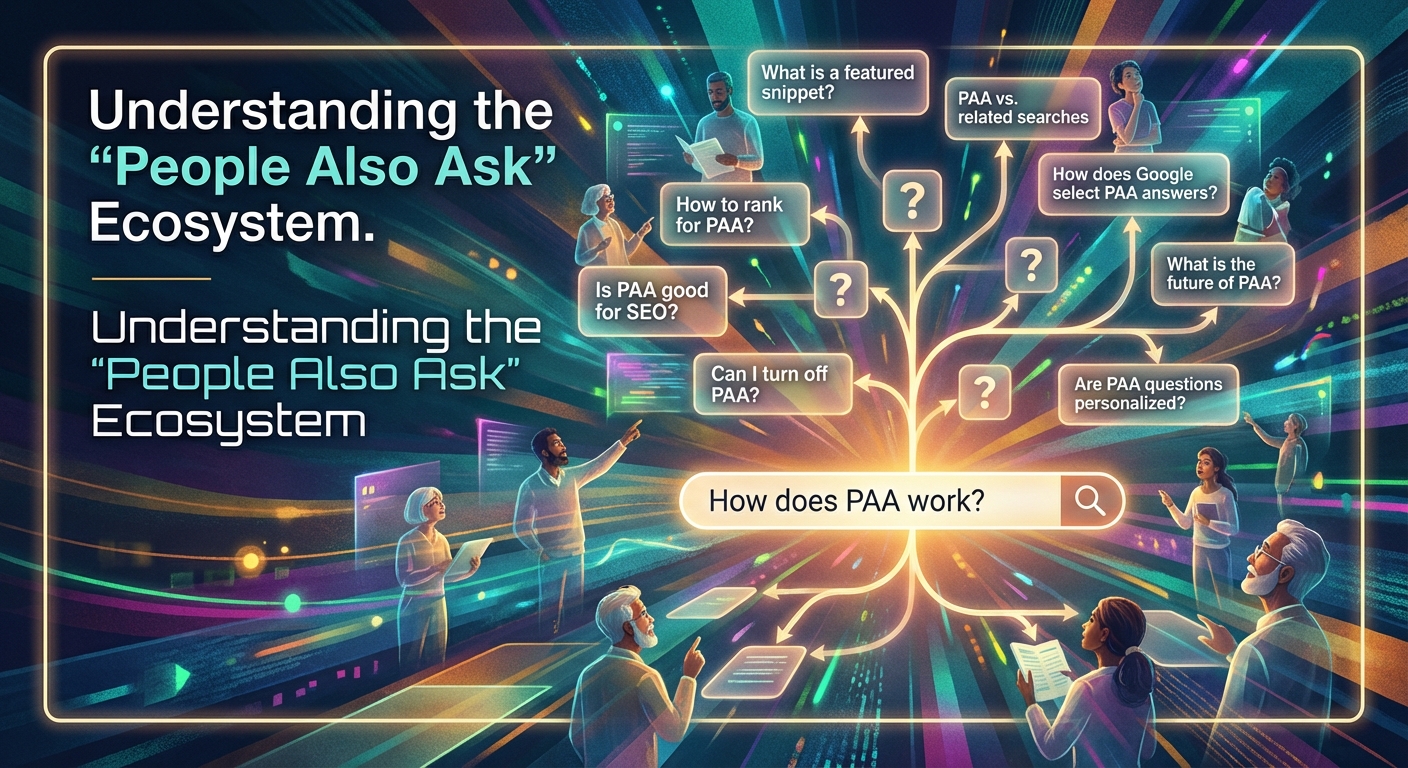
Before we dive into the "how," we need to understand the "what."
The PAA box is an interactive search result.
It displays questions related to the original search query.
When a user clicks a question, it expands to show a snippet of an answer.
Crucially, it includes a link to the source.
That source could be you.
Why Google Loves PAA
Google’s goal is to satisfy user intent as quickly as possible.
If a user asks, "How do I tie a tie?", Google wants to show them the steps immediately.
They don't want the user pogo-sticking back and forth between websites.
The PAA box solves this by aggregating answers.
It makes Google the ultimate resource.
The Zero-Click Paradox
You might be asking, "If they don't click, what's the point?"
That is a fair question.
We call it "Zero-Click" traffic because the user gets the answer on the SERP (Search Engine Results Page).
However, the reality is more nuanced.
First, many users do click through to read the full context.
Second, appearing in the PAA box establishes massive brand authority.
You are being endorsed by Google as the correct answer.
That builds trust before a user even lands on your site.
Step 1: Finding the Right Questions

You cannot optimize for questions you aren't answering.
The first step is a specific type of keyword research.
We need to stop thinking in keywords and start thinking in queries.
Utilizing the SERP Itself
This is my favorite, free method.
Type your target keyword into Google.
Look at the PAA box.
Usually, you will see 3 to 4 initial questions.
Here is the trick: Click on one of them.
When you expand a question, Google dynamically loads two or three more related questions at the bottom of the list.
Keep clicking.
Within minutes, you can generate a list of 20+ high-value questions relevant to your topic.
Leveraging Tools
If you want to scale this process, use tools.
I personally love using AnswerThePublic.
It visualizes search data into "who, what, where, when, why, and how" webs.
AlsoAsked is another fantastic tool specifically designed to map PAA relationships.
These tools show you exactly what is going on inside your customers' heads.
Step 2: The Art of the "Answer Paragraph"

This is where the magic happens.
You have your questions. Now you need to write the answers.
But you can't just write them any old way.
You need to write for the robot.
We call this the "Answer Paragraph" strategy.
Be Concise and Direct
Google prefers short, punchy answers for the snippet.
Aim for a paragraph that is roughly 40 to 60 words long.
This seems short, but it forces you to be precise.
Avoid fluff.
Start the paragraph by restating the question as a statement or jumping straight into the answer.
The Inverse Pyramid Style
Journalists use this technique, and SEOs should too.
Put the most critical information at the very beginning.
If the question is "What is the best camera for beginners?", don't start with the history of photography.
Start with: "The best camera for beginners is the Canon EOS Rebel because..."
Give the answer, then provide the context.
Formatting Matters
Structure is everything.
If the answer requires a list, use bullet points.
If it is a process, use numbered lists (Step 1, Step 2, etc.).
If it is a comparison, use an HTML table.
Google’s algorithm loves structured data because it is easy to parse.
We have seen a significant uptick in PAA placements simply by converting a paragraph into a bulleted list.
Step 3: Optimizing Your Page Structure
You have written the perfect answer.
Now, where do you put it?
You need to signal to Google that this specific text is the answer to that specific question.
Use Headers Strategically
Your H2 or H3 tags are your best friends here.
Make the question your header.
Verbatim.
If the PAA question is "How long does it take to boil an egg?", make your H2 "How Long Does It Take to Boil an Egg?"
Immediately following that header, place your 40-60 word Answer Paragraph.
Do not put an image between the header and the text.
Do not put an ad there.
Make the connection between the question (Header) and the answer (Paragraph) immediate and clear.
The FAQ Section Strategy
Sometimes, it doesn't fit the flow of your article to ask simple questions in the main body.
This is where a FAQ section becomes a weapon.
At the bottom of your blog posts, add a "Frequently Asked Questions" section.
List out 4-5 related PAA questions.
Answer them concisely using the rules we discussed above.
This is an incredibly efficient way to rank for multiple PAA boxes with a single URL.
Step 4: Revitalizing Old Content
We all have those blog posts that are sitting on page 2 or 3 of Google.
They have good content, but they aren't driving traffic.
Optimizing for PAA is the fastest way to revive them.
The Content Audit
Go through your analytics.
Identify posts that have high impressions but low clicks.
This usually means you are ranking, but not winning the click.
Take the main keyword for that post and search it in Google.
Look at the PAA box.
The Retrofit
Now, look at your existing article.
Are you answering those questions?
If not, add them.
If you are answering them, are the answers buried in long paragraphs?
Rewrite them.
Isolate the answer.
Add the question as an H3 header.
I have seen traffic double on old posts just by doing this 30-minute exercise.
It is low-hanging fruit.
Grab it.
Step 5: Schema Markup
We are getting a little technical here, but stay with me.
Schema markup is code that helps search engines understand your content.
Specifically, you want to use "FAQ Schema."
Why It Works
FAQ Schema literally tells Google, "Here is a question, and here is the answer."
It removes the guesswork for the algorithm.
When you implement this, you increase your chances of appearing in the PAA box.
You also increase your chances of getting an expanded snippet in the regular organic results.
How to Do It
You don't need to be a coder.
If you use WordPress, plugins like Yoast SEO or RankMath make this incredibly easy.
They have specific blocks for FAQ Schema.
You just type in the question and the answer, and the plugin generates the code for you.
If you aren't using WordPress, there are free schema generators online.
You can generate the code and paste it into your page header.
Measuring Your Success
How do you know if it is working?
Google Search Console is your source of truth.
Unfortunately, Google doesn't explicitly filter for "PAA Rankings" in the main performance report.
However, you can infer it.
Tracking Impressions
Keep an eye on your impressions.
If you see a massive spike in impressions but your average position remains steady, you might have popped into a PAA box.
Specialized Tools
For more granular tracking, we use tools like Ahrefs or SEMrush.
These platforms have specific features that track SERP features.
They can tell you exactly which keywords trigger a PAA box and whether you are the one occupying it.
Monitoring this allows you to defend your position.
If you lose a PAA spot, you can go back, update the content, and reclaim it.
The Future of Search is Conversational
We are moving away from keywords.
We are moving toward conversation.
With the rise of voice search and AI overviews, answering questions is the single most important thing you can do for your SEO.
The "People Also Ask" box is just the beginning.
It is Google’s training ground for understanding natural language.
By optimizing for it now, you are future-proofing your content.
You are telling Google that you are an authority.
You are helpful.
You provide value fast.
Your Assignment
Don't just read this and move on.
Pick one blog post you wrote last year.
Search its main keyword.
Find three PAA questions.
Rewrite a section of that post to answer those questions using the "Answer Paragraph" format.
Wait two weeks.
Check your results.
I think you will be pleasantly surprised by what happens.
At My Core Pick, we believe in actionable SEO.
This is as actionable as it gets.
Go unlock that traffic.