Here is the blog post, formatted specifically for your needs.
Don’t Buy a Used EV Without Doing This: How to Check True Battery Health with an OBDII Scanner
If you are looking to buy a used electric vehicle, you probably have one major anxiety.
It keeps you up at night. It makes you second-guess that great deal you found on Craigslist.
I’m talking about the battery.
Unlike a gas engine, where you can listen for knocks or look for oil leaks, an EV battery is a black box.
It is a sealed unit sitting under the floorboards. You can’t see it, you can’t smell it, and you certainly can’t kick the tires to check it.
Most buyers simply look at the dashboard range estimate and assume everything is fine.
This is a massive mistake.
At My Core Pick, we are obsessed with getting the best value for your money.
Buying a used EV with a degraded battery is the fastest way to lose thousands of dollars in resale value.
But there is a secret weapon that savvy buyers and mechanics use.
It costs less than a tank of gas, fits in your pocket, and tells you the truth that the dealership might not want you to know.
I’m going to show you exactly how to use an OBDII scanner to check the true health of a used EV battery.
The Problem: Why You Can’t Trust the Dashboard
When you turn on a used EV, the dashboard displays a range number.
Maybe it says 200 miles. You think, "Great! That’s plenty for my commute."
Here is the harsh reality: that number is often called a "Guess-o-Meter" for a reason.
The dashboard range is an algorithm. It calculates distance based on how the car was driven recently.
If the previous owner drove it like a grandma on flat city streets for the last week, the range will look artificially high.
If they drove it 80 mph on the highway with the heater blasting, the range will look low.
It does not necessarily reflect the actual capacity of the battery pack.
Furthermore, many manufacturers build a "buffer" into the battery display.
This means the car might hide the first 5% to 10% of degradation from you to keep you from worrying.
But as a used buyer, you need to worry. You are paying for capacity, not a guess.
To see what is really happening inside those lithium-ion cells, you need to bypass the dashboard.
You need to talk directly to the Battery Management System (BMS).
What is an OBDII Scanner?
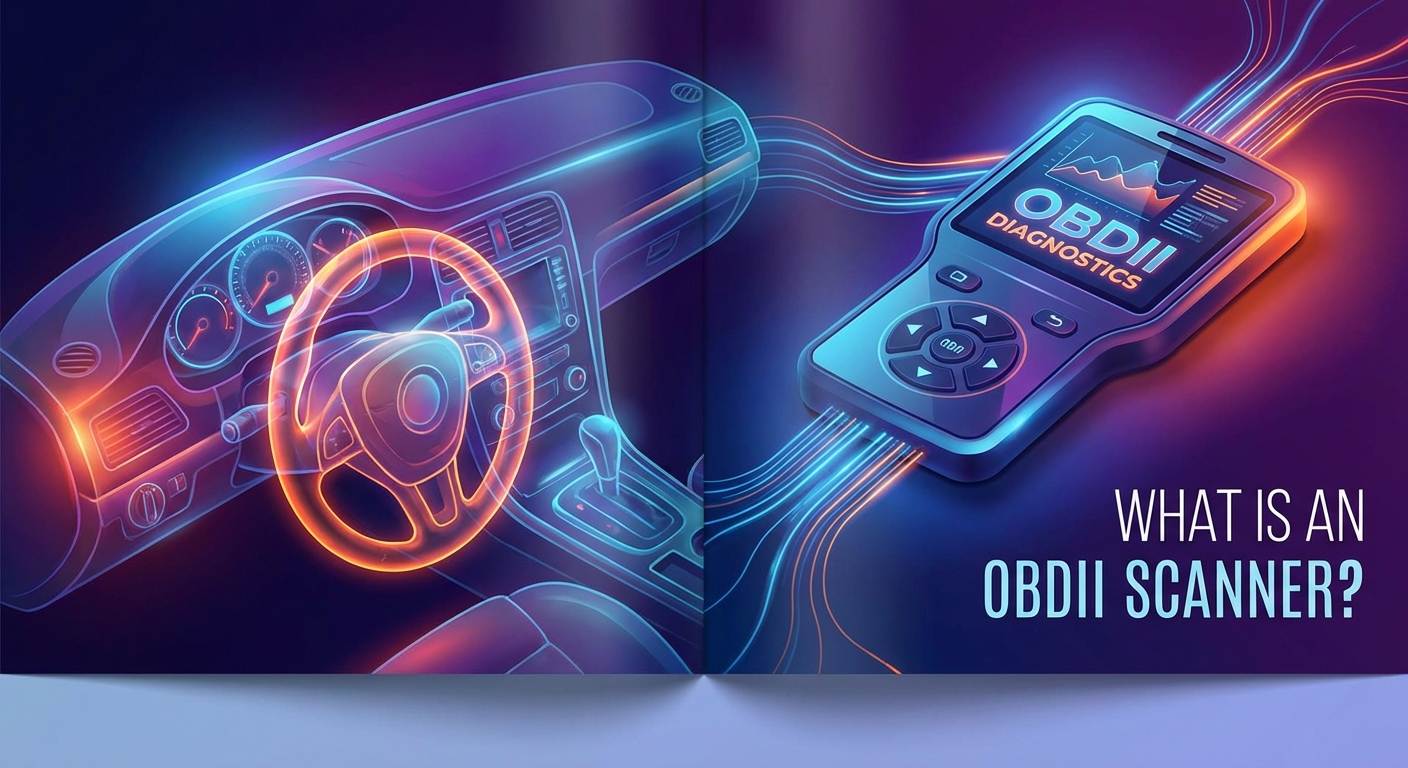
OBD stands for On-Board Diagnostics.
Since the mid-90s, every car sold in the US has a standard port located under the steering wheel.
Mechanics use this port to read "Check Engine" codes.
For a long time, people thought these scanners were useless for electric cars because EVs don't have engines to check.
That is no longer true.
Modern Bluetooth OBDII dongles act as a translator.
They plug into the car and send raw data wirelessly to an app on your smartphone.
For an EV, this data includes battery voltage, temperature, charging history, and the holy grail: State of Health (SoH).
This tool is the difference between buying a lemon and finding a diamond in the rough.
And the best part? A good one usually costs between $30 and $80.
Step 1: Getting the Right Hardware

Not all scanners are created equal.
If you go on Amazon, you will see blue plastic dongles for $10.
I strongly recommend you avoid these cheap clones.
They often have slow data transfer rates or connectivity issues that can frustrate you when you are standing in a stranger’s driveway trying to inspect a car.
You need a scanner that uses Bluetooth 4.0 (LE) or WiFi so it works seamlessly with both iPhone and Android.
At My Core Pick, we usually recommend brands like OBDLink (specifically the LX or CX models) or the Veepeak OBDCheck BLE.
These are reliable, fast, and widely supported by the best EV apps.
Once you buy one, keep it in your glovebox or backpack. It is now part of your car-buying toolkit.
Step 2: Choosing the Right App
Here is where it gets a little specific.
While the OBDII hardware is universal, the software (the app) depends on the car you are buying.
Different manufacturers speak different "languages" when it comes to battery data.
You need an app that knows how to interpret the specific car you are looking at.
For Nissan Leaf Buyers
If you are looking at a Nissan Leaf, you need LeafSpy Pro.
This is the gold standard of EV apps. It is legendary in the EV community.
It tells you everything down to the millivolt of every single cell. Do not buy a Leaf without it.
For Tesla Buyers
Tesla uses proprietary connectors, so you often need a specific adapter cable to plug in an OBDII dongle (usually located behind a panel in the center console).
Once connected, the app Scan My Tesla provides an incredible amount of data.
It reveals battery temperature, cooling performance, and exact kWh capacity remaining.
For Hyundai, Kia, and Chevy Bolt
For these cars (and many others), an app called Car Scanner ELM OBD2 is fantastic.
It has specific "profiles" for the Hyundai Ioniq 5, Kia EV6, and Chevy Bolt.
You simply select the car model in the settings, and it pulls up pre-made dashboards with all the battery stats you need.
Step 3: Conducting the Inspection
Okay, you are at the dealership or meeting a private seller.
You have your dongle and your phone. Here is how to handle the interaction.
First, ask for permission.
Say something like, "I have a diagnostic tool I’d like to plug in just to check the battery health. It doesn’t change anything; it just reads the data."
Most honest sellers will say yes. If they refuse, that is a massive red flag. Walk away.
Locate the OBDII port. It is almost always under the dashboard on the driver's side, near your knees.
Plug the dongle in. You should see a light turn on.
Open the app on your phone and connect via Bluetooth.
Now, look for these three specific data points.
1. State of Health (SoH)
This is the big number. It represents the current maximum capacity compared to when the battery was new.
A new car is 100%.
A car with 90% SoH has lost 10% of its range potential permanently.
If you are looking at a 5-year-old EV, seeing 85-90% is normal.
If you see 70% or lower, the battery is significantly degraded. You will likely feel that range loss immediately.
2. Cell Voltage Deviation (Or "Delta")
This is a hidden killer.
An EV battery is made of hundreds or thousands of individual cells.
They all need to be balanced. They should all have the same voltage.
Your app will show you the difference between the highest voltage cell and the lowest voltage cell.
You want this number to be tiny. (Usually less than 30 millivolts).
If you see a large gap (like 100mV or more), it means you have "bad cells."
The battery pack is only as strong as its weakest link.
Even if the SoH looks okay, a high voltage deviation means the battery could fail or shut down prematurely.
3. Fast Charge Counts
Some apps will tell you how many times the car has been "Quick Charged" (DC Fast Charging).
While modern EVs manage heat well, excessive fast charging can degrade batteries faster than slow home charging.
If a car has low mileage but a massive number of fast charges, it might have been used as a taxi or rideshare vehicle.
That battery has lived a hard life.
How to Use This Data for Negotiation
Knowledge is power, but only if you use it.
Let’s say the seller is asking "Market Price" for a 2018 EV.
You scan it and find the State of Health is only 78%.
Market price usually assumes a battery in average condition (perhaps 88-90% for that year).
You can show the seller the screen.
"Look, I really like the car, but the battery has significantly more degradation than average. It has lost over 20% of its range."
"Replacing this battery would cost $10,000. I can’t pay full price for a car that is 20% gone."
You can easily negotiate hundreds or even thousands of dollars off the price.
Or, if you find bad cells (high voltage deviation), you save yourself the headache entirely.
You don't negotiate. You just leave.
Final Thoughts: A Small Investment for Peace of Mind
Buying a used electric car is a smart financial move.
You save on gas, you save on maintenance, and you save on the depreciation hit that the first owner took.
But the battery is the heart of the car. It is the most expensive component by far.
Relying on the dashboard range estimate is like buying a house without looking at the foundation.
For the cost of a nice lunch, an OBDII scanner gives you X-ray vision.
It lets you see the chemistry inside the pack.
It turns you from a clueless buyer into an informed expert.
At My Core Pick, we believe in buying things that last.
So, before you sign that title or hand over the check, plug in that scanner.
Your wallet (and your future self) will thank you.