Here is the blog post, written specifically for My Core Pick.
From Live to Viral: Turning Your Stream Highlights into TikTok and YouTube Shorts Gold
Let’s be real for a second.
Streaming is a grind.
You spend hours setting up OBS, tweaking your audio, and bringing high energy to a live audience.
Sometimes that audience is hundreds of people. Sometimes, it’s just you and a chatbot.
I’ve been there, and I know how frustrating it is to pour your heart into a four-hour broadcast only to see the VOD disappear into the abyss.
But here is the good news.
The landscape of content creation has shifted entirely in your favor.
Long-form streaming is no longer the only way to grow. In fact, it’s rarely the best way to grow a new channel.
The real gold rush is happening right now on vertical video platforms like TikTok and YouTube Shorts.
If you aren’t repurposing your content, you are leaving views (and potential subscribers) on the table.
Today, I’m going to walk you through exactly how we at My Core Pick recommend turning those long hours of live footage into bite-sized viral gold.
The "Discovery Gap": Why You Need Vertical Video
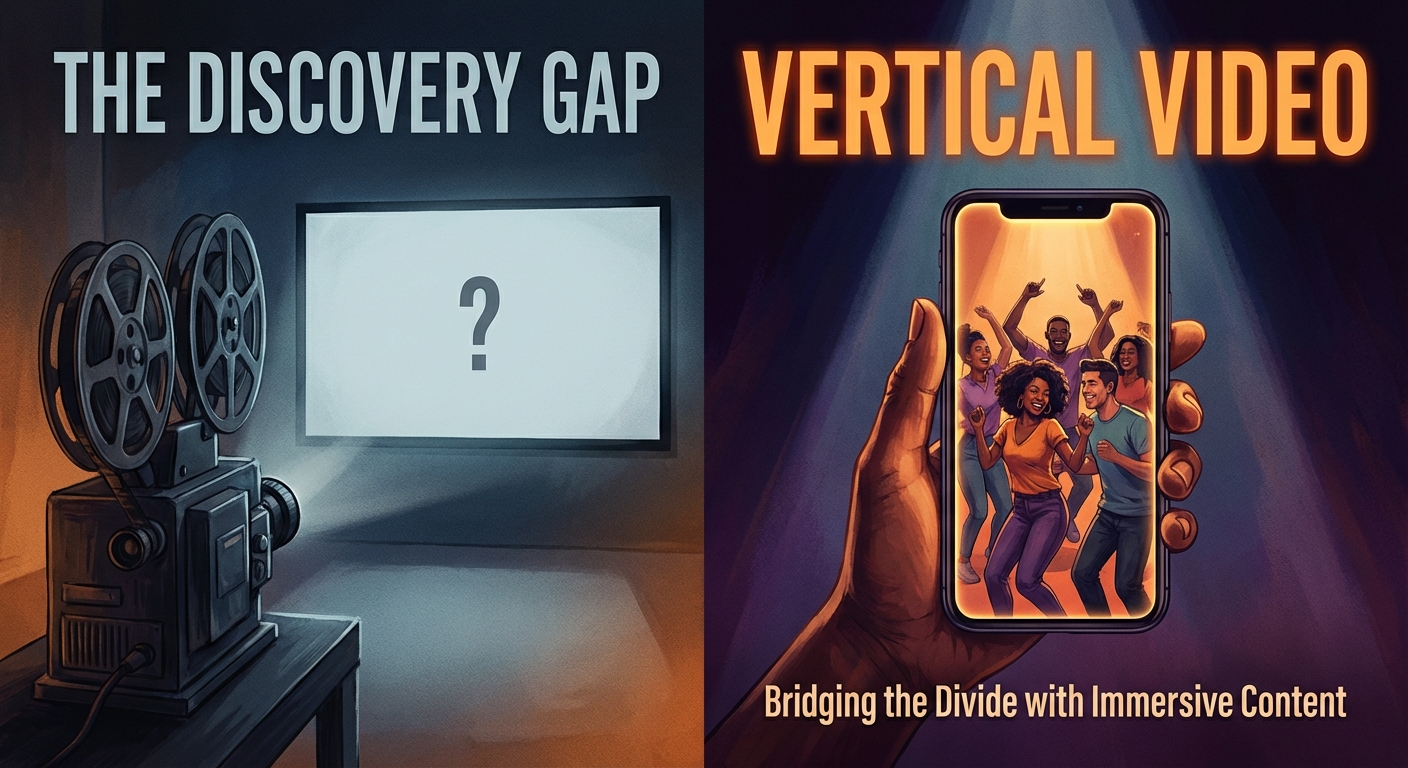
Twitch and YouTube Live are incredible platforms for community building.
However, they are terrible for discoverability.
If you are a small streamer on Twitch, you are buried at the bottom of the directory.
New viewers simply cannot find you.
The Algorithm Difference
TikTok and YouTube Shorts function differently.
They don’t care how many followers you have.
They care about retention.
If you post a clip that keeps people watching, the algorithm pushes it to thousands of new eyes.
I have seen channels with zero followers post a single clip and wake up to 100,000 views.
That creates a funnel.
The viral clip catches their attention. The profile link leads them to your Twitch or YouTube channel.
Suddenly, that "dead" VOD from yesterday is your biggest marketing asset.
The 24/7 Salesman
Think of your short-form content as your sales team.
While you are sleeping, eating, or working your day job, your TikToks are working for you.
They are constantly introducing new people to your brand.
You stop trading time for views and start building an asset library that grows passively.
Identifying the Gold: What Makes a Clip Viral?
Not everything that happens on stream is "Shorts-worthy."
You streamed for four hours. You need to find the 60 seconds that matter.
How do you filter through the noise?
I look for three specific triggers when auditing footage.
The "High Skill" Moment
This is the classic highlight reel.
Did you wipe an entire squad in Apex Legends?
Did you manage a frame-perfect speedrun trick?
Gamers respect skill. If you did something impossible, clip it.
These clips usually require less editing because the gameplay speaks for itself.
The "Fail" or Funny Moment
Relatability wins on social media.
Sometimes, watching a pro player fail miserably is more engaging than watching them win.
Did you accidentally drive your car off a cliff in GTA RP?
Did you get jump-scared so hard you threw your headset?
Laughing at you is just as valuable as laughing with you.
Don’t be afraid to show your mistakes. They humanize you.
The Educational Nugget
This is the most underrated category.
Did you explain a complex mechanic to a viewer in chat?
Did you show a hidden spot on a map?
Clips that teach the viewer something have high "save" and "share" rates.
People save them to reference later.
That signals to the algorithm that your content is valuable, boosting your reach instantly.
The Toolkit: Editing for the Vertical Screen
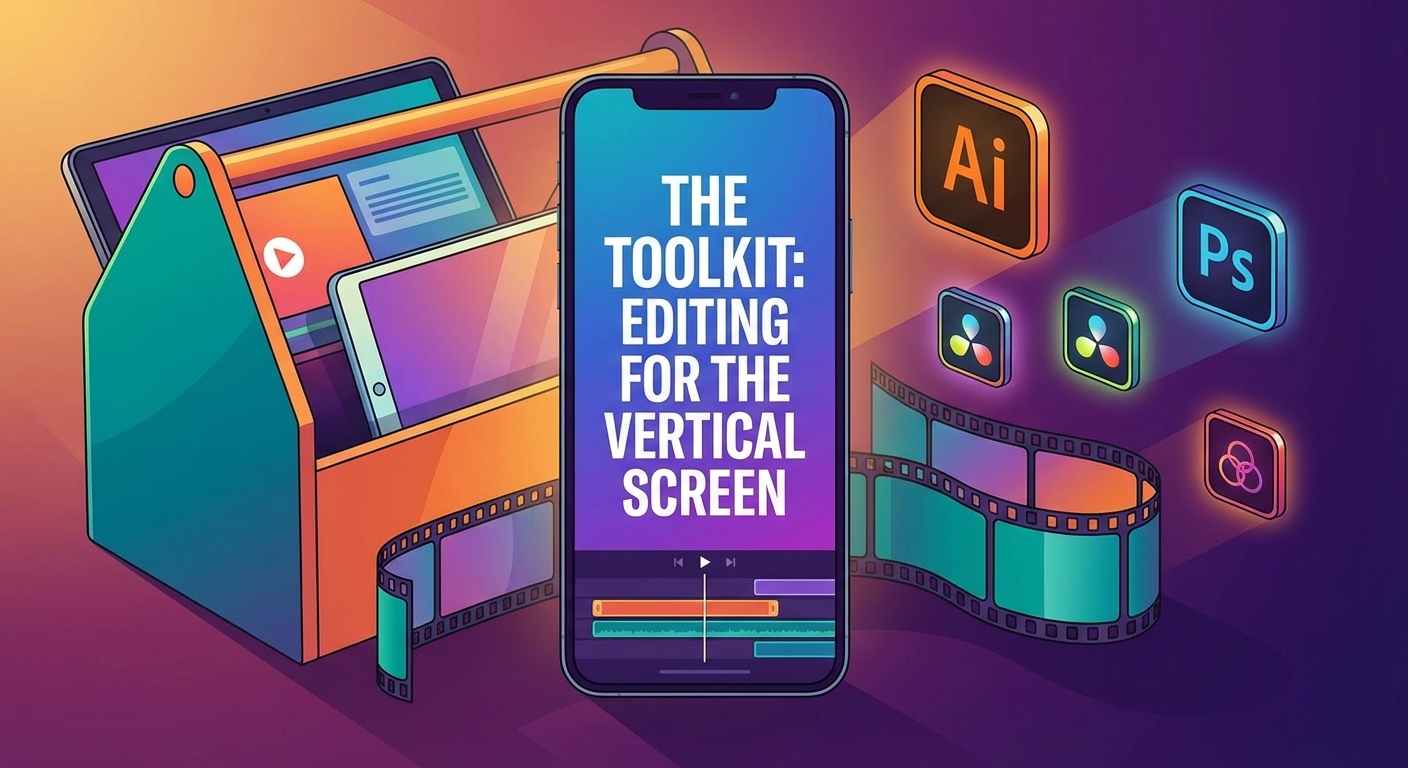
You have your clip. Now you need to package it.
You cannot simply upload a 16:9 horizontal video to TikTok.
It looks lazy, and users will scroll past it immediately.
You need to reformat.
The Layout Strategy
The standard resolution for vertical video is 1080x1920.
Since your game is horizontal, you have to get creative.
The most popular layout, and the one I recommend starting with, is the "Split Screen."
Place your Facecam in the top third of the screen.
Place the gameplay in the center or bottom two-thirds.
This allows the viewer to see your reaction and the action simultaneously.
If you don't use a facecam, zoom in on the center of the gameplay.
Make sure the UI (health bars, ammo counts) is still visible if it’s crucial to the context.
Subtitles Are Non-Negotiable
This is the hill I will die on.
You must add captions.
Many people watch TikToks and Shorts with their sound off.
Maybe they are on the bus, in class, or in bed next to a sleeping partner.
If they can’t read what you are saying, they will scroll.
Furthermore, dynamic subtitles (text that pops up word-by-word) keep the viewer's eyes moving.
It increases retention significantly.
Software Recommendations
You don’t need to be a Hollywood editor to do this.
DaVinci Resolve is free and powerful if you edit on a PC.
CapCut is the king of mobile editing and has an incredible desktop app now. It has auto-captions built-in.
If you want to save even more time, look into AI tools like Eklipse or Nexus Clips.
These tools scan your VODs, identify highlights automatically, and even reframe them to vertical for you.
They aren't perfect, but they get you 90% of the way there.
The Anatomy of a Viral Short
Now that you are editing, let’s talk about structure.
A viral video is not an accident. It is engineered.
We have analyzed thousands of clips, and the successful ones all follow a pattern.
The Hook (0-3 Seconds)
You have less than three seconds to stop the scroll.
Do not start your clip with "Um, hey guys, welcome back."
Start in the middle of the action.
Start with a scream.
Start with a controversial statement.
Start with text on the screen that says, "You won't believe what happened."
If you don't hook them instantly, the rest of the editing doesn't matter.
The Loop
The algorithm loves videos that are watched multiple times.
If you can edit your video so the end flows seamlessly back into the beginning, you win.
For example, end your sentence with "...and that is why..."
And start your video with "...I hate this game."
When it loops, it forms a complete thought.
Viewers might watch it three times before they realize it’s looping.
The Call to Action (CTA)
Don't be annoying, but do remind people you exist.
I prefer a visual CTA rather than a spoken one.
Add a small sticker for the last 2 seconds that says "Live on Twitch" or "Subscribe for more."
If you ask for too much too early, you kill the vibe.
Save the ask for the very end, once you’ve provided value.
The Workflow: avoiding Burnout
The biggest killer of content creators is burnout.
Trying to stream 40 hours a week and edit 10 TikToks a week is a recipe for exhaustion.
You need a system.
Here is the workflow I use to keep things manageable.
Use Stream Markers
Do not re-watch your entire 6-hour stream.
That is a waste of time.
If you use a Stream Deck, set up a button that creates a marker on your Twitch dashboard.
When something funny happens live, hit the button.
If you don't have a Stream Deck, type "!marker" in your chat (if your bot supports it) or simply note the timestamp on a notepad.
When you go to edit, you jump straight to the good stuff.
The "Batching" Method
Do not edit one video every day.
Pick one day a week—let’s say Tuesday—where you don't stream.
Use that day exclusively for editing.
Take your markers from the week, edit 5 to 7 clips in one sitting, and schedule them out.
TikTok and YouTube Studio both allow you to schedule posts in advance.
Get the work done, schedule it, and then forget about it.
Outsourcing
Eventually, you might have a budget.
When you do, the first person you should hire is a shorts editor.
Your time is best spent being live and entertaining.
Let someone else handle the cutting and captioning.
It is an investment that pays for itself in growth.
Final Thoughts: It’s a Marathon
Turning your stream highlights into viral gold doesn't happen overnight.
You might post 20 videos that get 500 views.
And then, video #21 gets 500,000.
That one video can change the trajectory of your entire streaming career.
The key is consistency.
Keep your eyes open for those magical moments.
Edit them with care.
And optimize them for the vertical screen.
The tools are there. The audience is waiting.
Now, go check those VODs and start clipping.
Happy Streaming from the My Core Pick team.